


Every project,
a collab
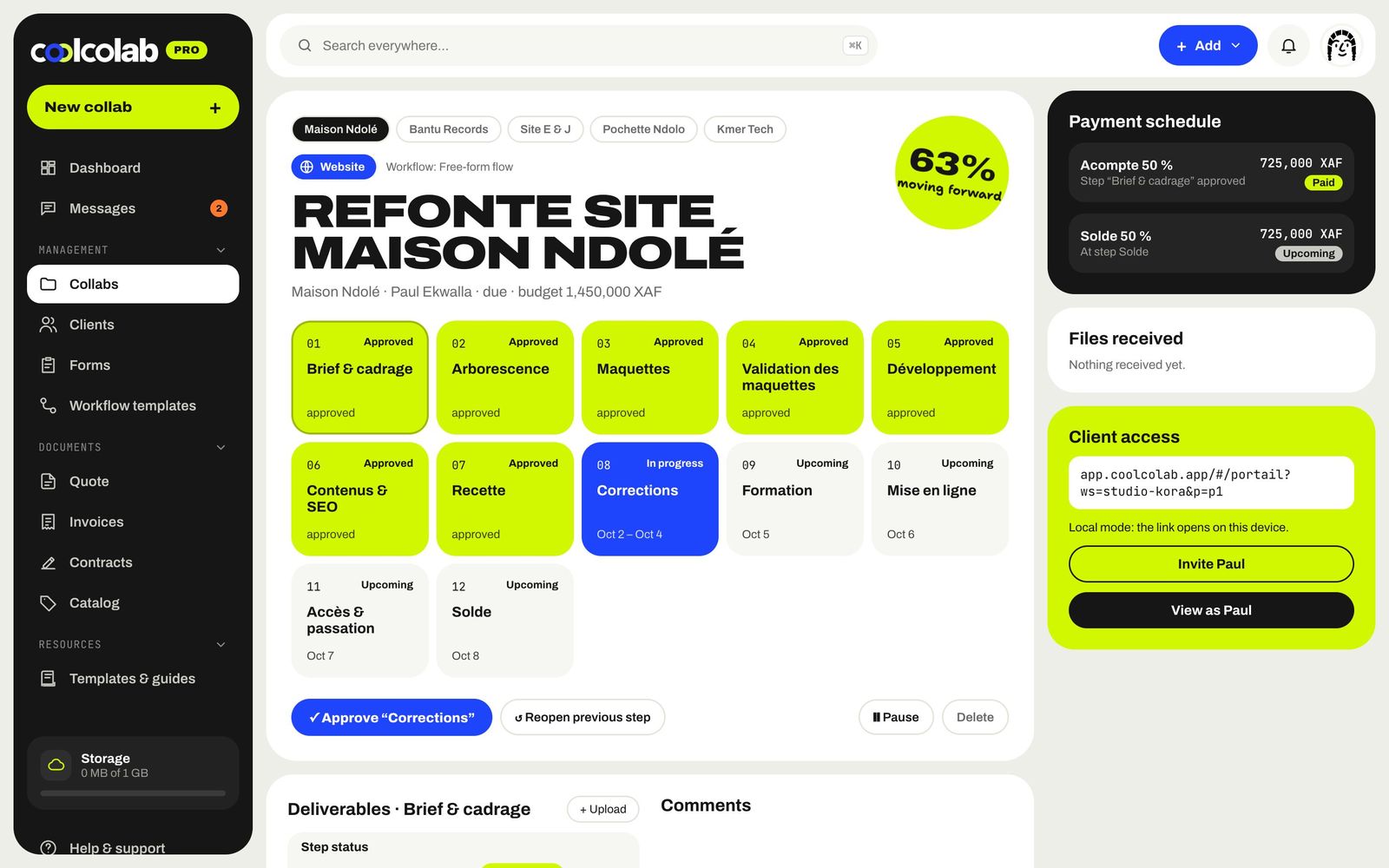
Load a template, drag your steps around, set the dates and the price. Coolcolab tracks progress, deliverables and payments while you create.
From idea
to delivery
A collab takes less than two minutes to set up, and your client is invited to their portal right after.
Pick a type
Website, app, software, brand identity, photo, video, music, wedding or your own process.
Load a template
Your saved steps, deliverables and payments fill in on their own. Add, remove, reorder with drag and drop.
Set price and dates
Amount, discount as a percentage or a fixed amount, currency, start and end dates on a calendar.
Launch
The collab goes live, the client gets access to their portal and a draft quote picks up the price.
 ✓"Mockup" step approvedMaison Ndolé · 7/12
She creates,
Coolcolab tracks
While she draws, every approved step lets her client know. No more status updates by message: the progress is on the portal.
All your collabs
in folders
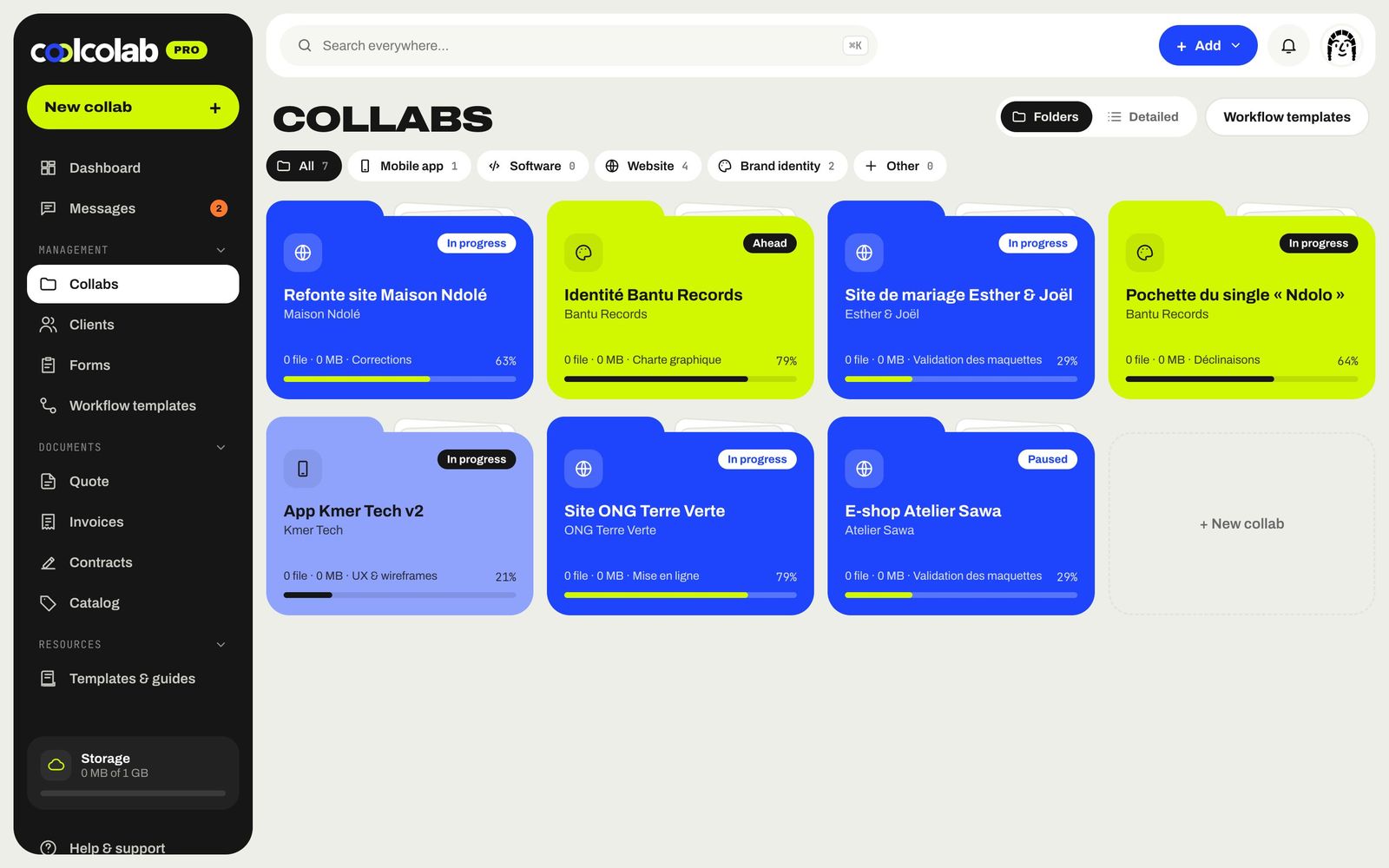
Sort your projects by type, see their progress at a glance and open a folder to find the steps, files and documents.
- Folder view or detailed list
- Filters by type of service
- Automatic status: upcoming, in progress, late, done
The whole project
in one place
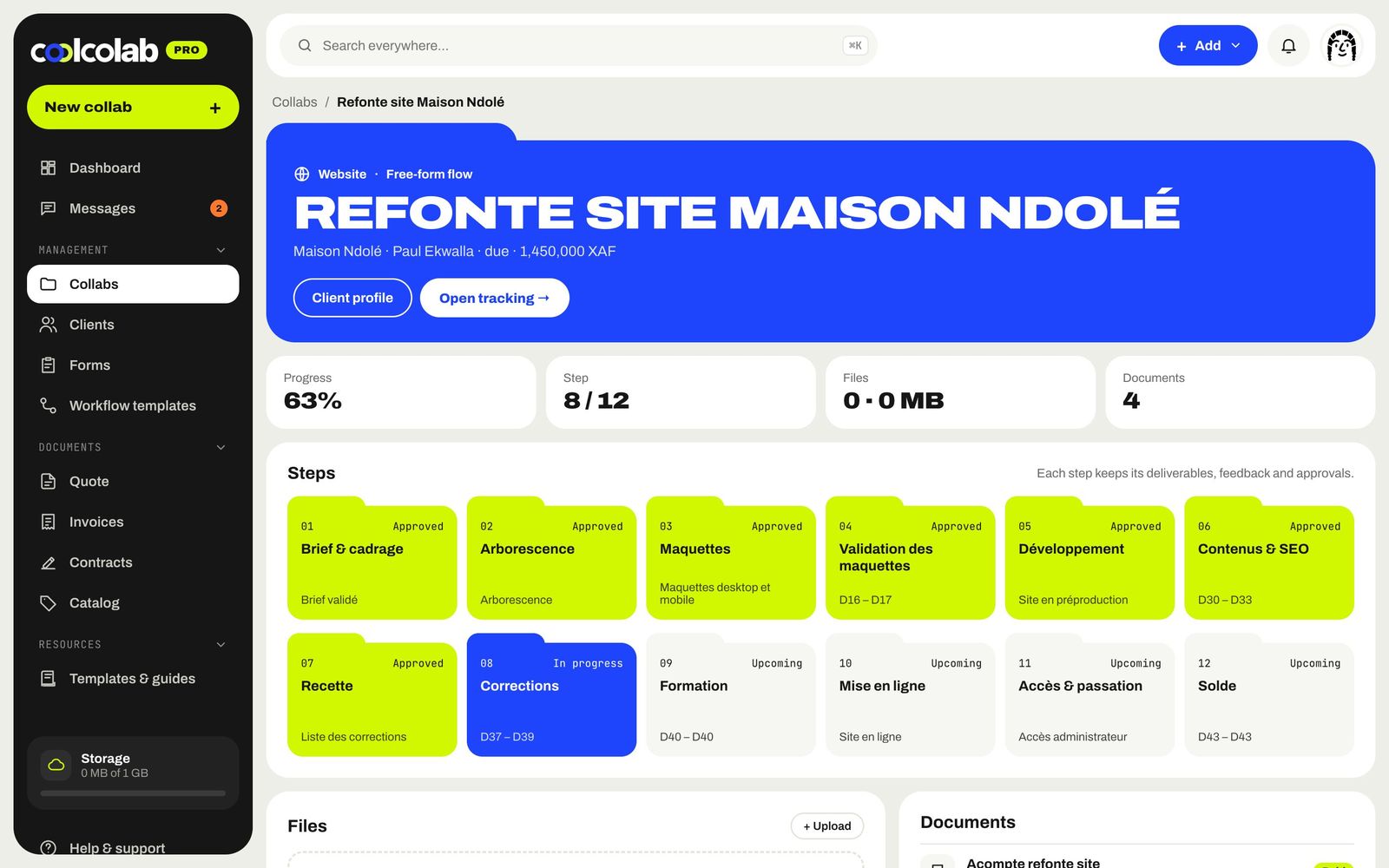
Numbered steps, uploaded files, linked quotes, invoices and contracts: the folder tells the collab's story from start to finish.
- Drag and drop your files
- Client documents attached
- Direct access to tracking and the client profile
Your methods,
reusable
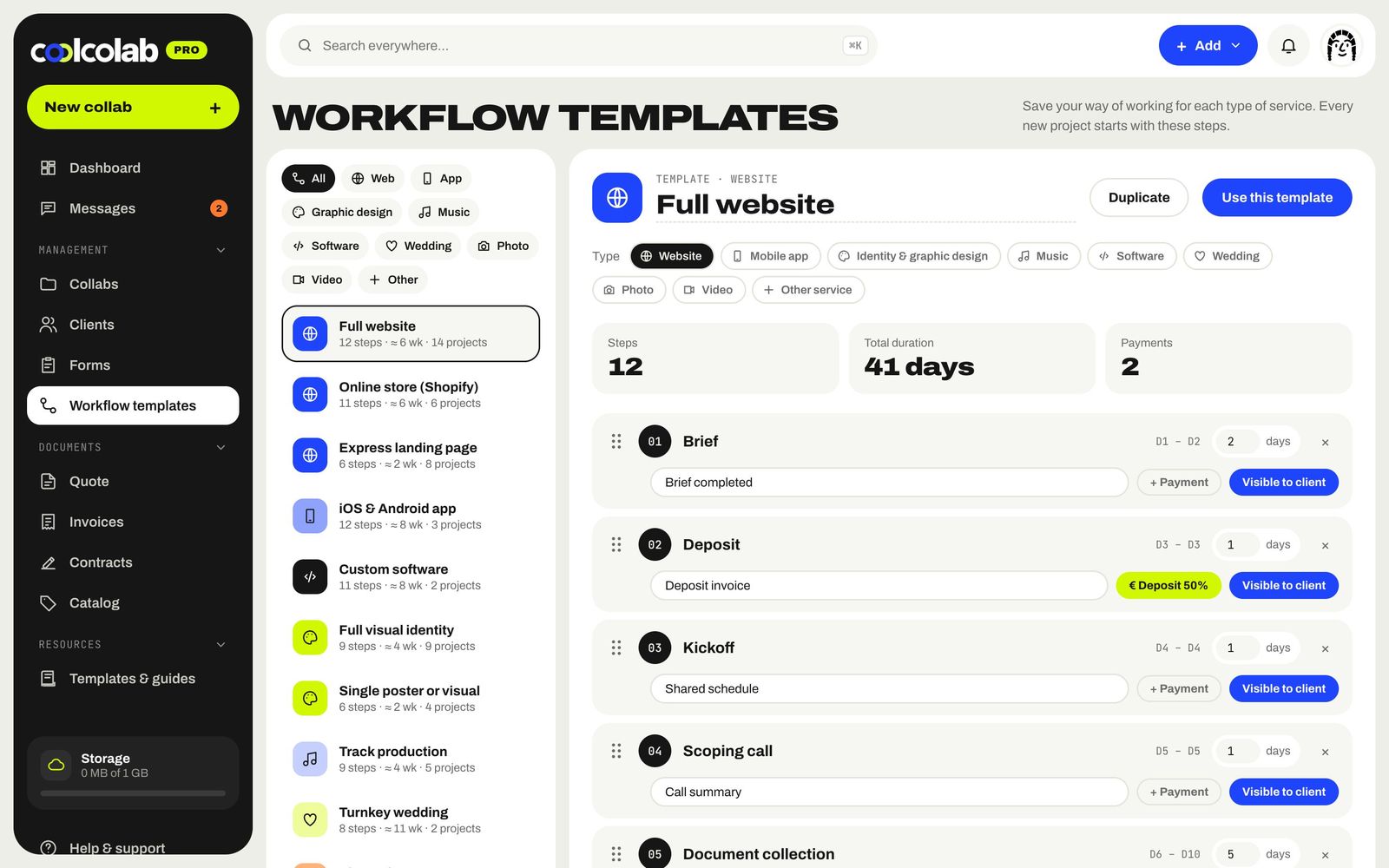
Create a template for each type of service: steps, durations, deliverables, payments and the steps your client can see. Duplicate, tweak, reuse.
- 11 ready-to-use templates
- Total duration calculated automatically
- Payments tied to steps (deposit, balance)
Built for
the way you work
Templates by trade
Full website, Shopify store, landing page, iOS & Android app, brand identity, photo shoot, music video, turnkey wedding…
Step-by-step approval
Approve a step in one click: the client is notified and the next one starts.
Tidy deliverables
Every file is attached to its step and the client can download it from their portal.
Comments on each step
Client feedback lands where it's useful, not lost in a WhatsApp thread.
Built-in payment schedule
50% deposit, balance on delivery: the schedule follows the collab's progress.
Automatic status
Upcoming, in progress, late, done: the status updates itself based on the dates.
What's a collab?+
It's our word for a client project. A collab starts with an accepted quote, is tracked step by step, ends with delivery and the balance… and starts again when the client comes back.
Can I create my own steps?+
Yes. Start from a template or a blank page, add steps from the library (brief, deposit, mockup, revisions, testing, go-live…) or create your own, then reorder them with drag and drop.
Does my client see every step?+
They see the steps marked "Client-visible" in the template. Internal steps stay on your side.
How many collabs can I create for free?+
Up to 3 active collabs with the Solo plan, free forever. The Pro and Studio plans remove the limit.
And also
All features →Quotes & invoices
Quotes in 2 minutes from your catalog, invoices paid online, deposits, recurring billing and gentle reminders.
Discover →Contracts & e-signature
Collaboration contracts, copyright assignments and delivery notes, signed online.
Discover →Client portal
A space in your colors where the client follows the steps, downloads, comments, signs, pays and leaves a review.
Discover →Payments
Orange Money, MTN MoMo, Wave, card, bank transfer or PayPal: your clients pay however they like.
Discover →Brief forms
Send a link, the client answers, and their answers fill in your new collab.
Discover →Let's
collab?
Free for up to 3 collabs, no card needed. Your studio is ready in 2 minutes.